Family life often runs on small systems: the packed bag, the predictable bedtime, the realistic schedule, the container a child can open alone. Across the source articles, one pattern is clear: logistics work best when they reduce pressure while still protecting connection.
This synthesis looks at parenting routines as more than household management. The same planning habits that make travel, school transitions, meals, and newborn preparation smoother can also create more room for patience, independence, and family relationships.
Good Routines Start With Connection, Not Control
The parent-child bond article frames routines as part of a larger relationship. It reported that the way a parent speaks, listens, comforts, and guides can shape how a child learns to communicate. That matters because family logistics are not just about getting out the door on time; they are also repeated chances to model calm communication, boundaries, and respect.
The same article emphasized presence, warm responses, honest conversation, and showing a child that they are valued and safe. Seen through that lens, a morning checklist or school-night routine is most useful when it lowers friction enough for the parent to stay patient. Structure supports the relationship; it should not replace it.
Independence Is a Logistics Strategy
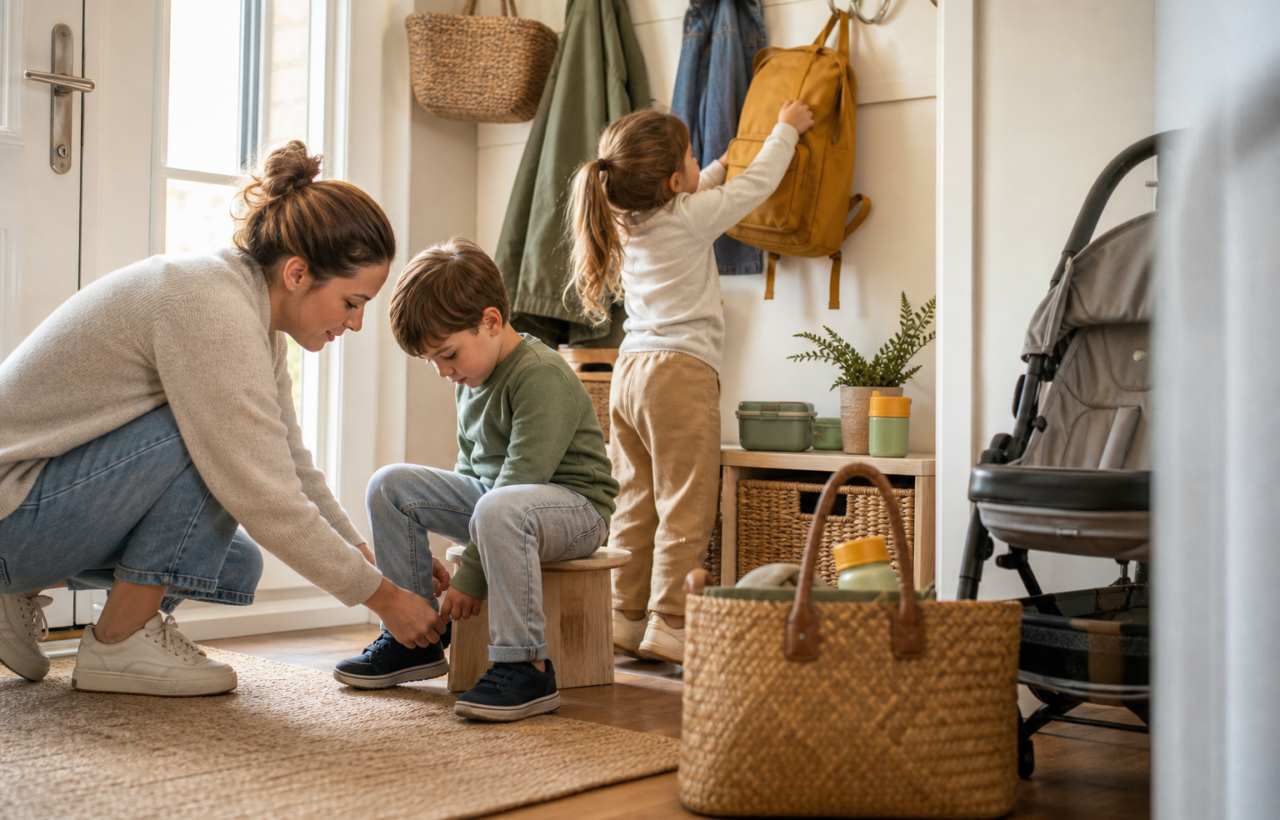
The kindergarten checklist gives the clearest example of how child independence can make family routines easier. It reported four practical readiness areas before junior kindergarten: getting dressed without help, using the toilet independently, eating without assistance, and adjusting to a school day without daycare-style naps.
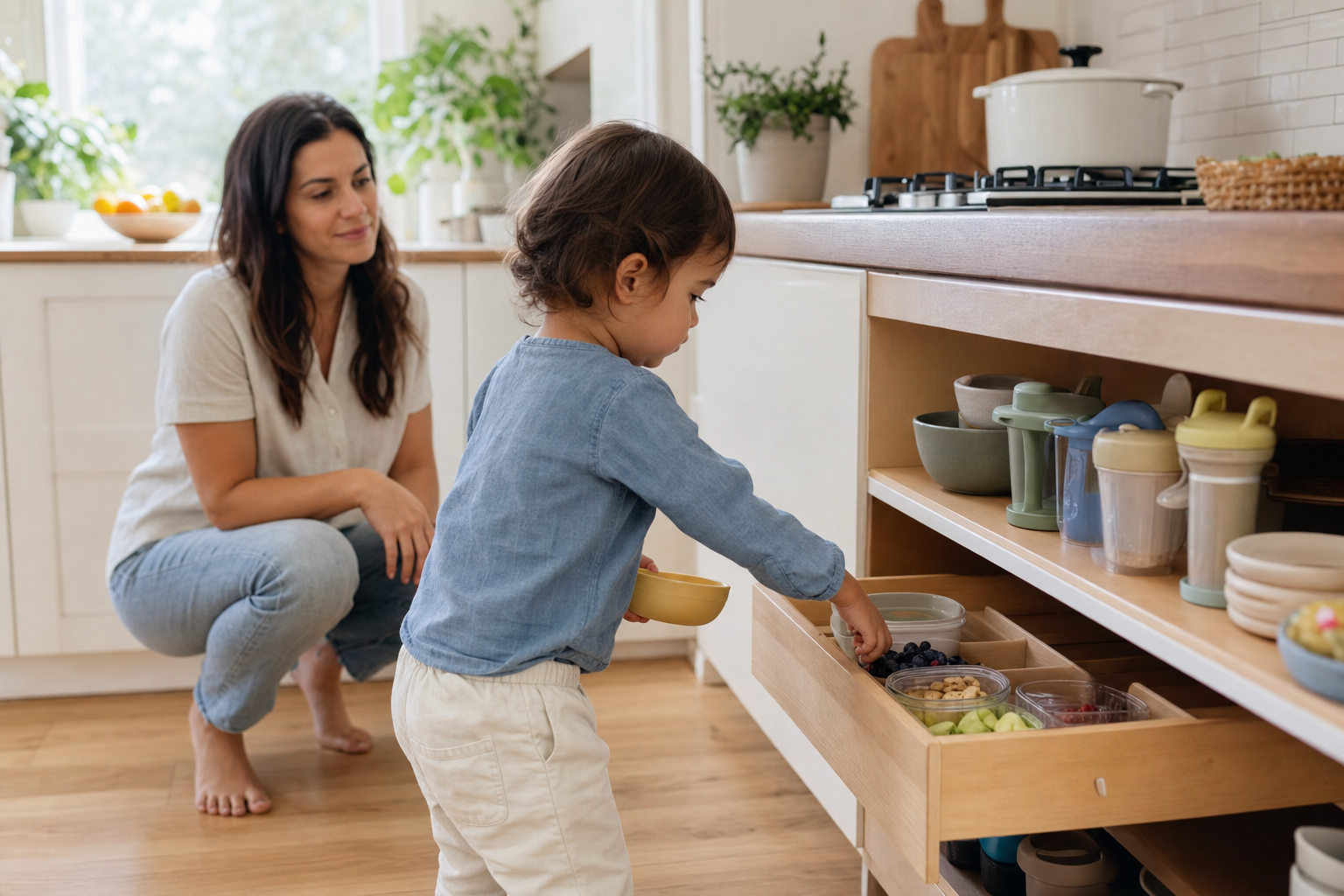
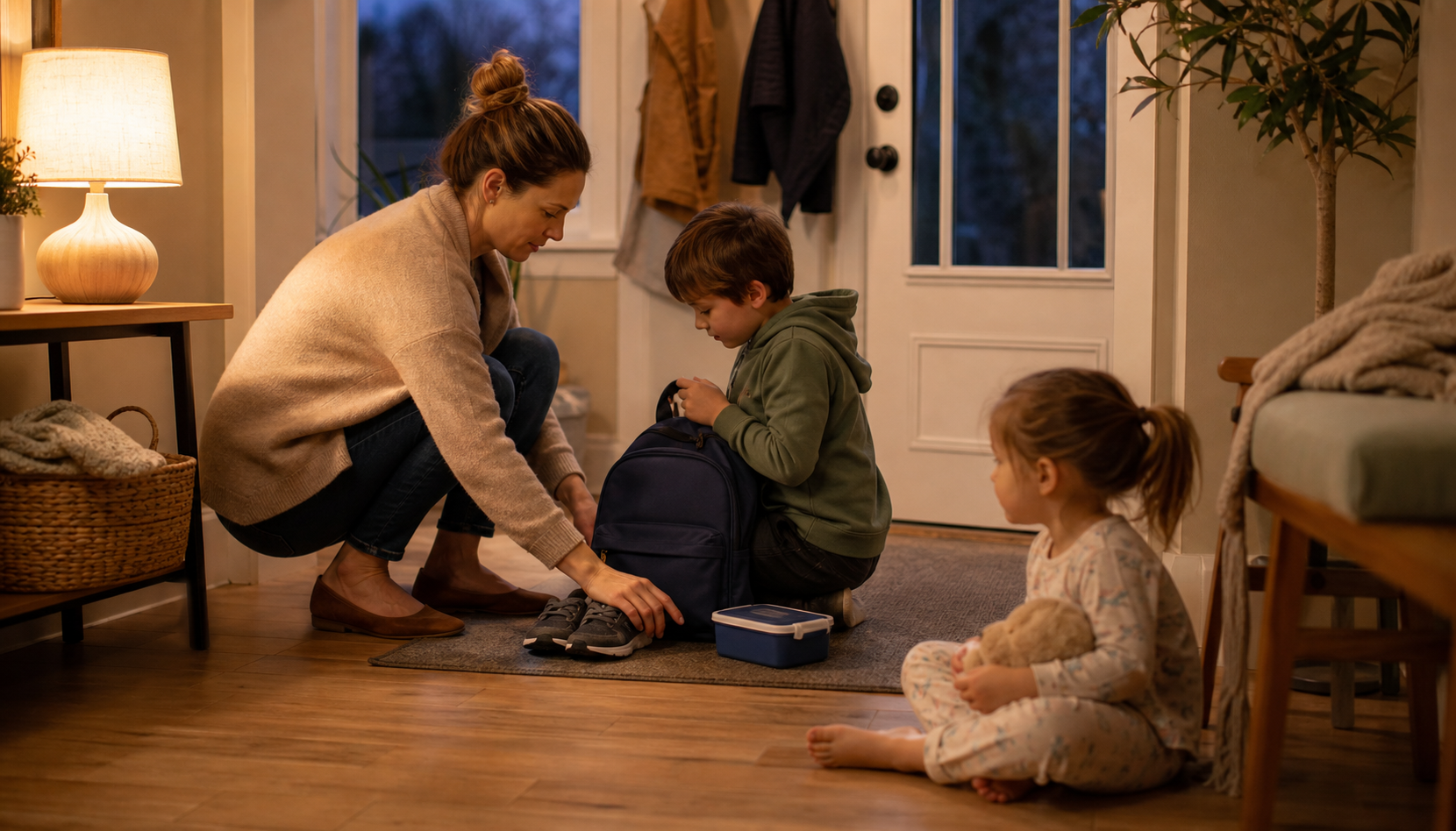
Those skills are emotional as well as practical. A child who can change shoes, manage a jacket, open lunch containers, and understand which food is lunch or snack has fewer moments of preventable stress during the day. The article also reported a useful preparation tactic: doing practice runs with the lunch bag and lunch box at home before school starts.
The same logic appears in the solo travel article. It recommended talking with children about simple safety expectations before a trip, including staying close and knowing what to do if separated. In both school and travel settings, the parent is not handing over adult responsibility; the parent is rehearsing small, age-appropriate actions that help the child participate in the routine.
Preparation Works Best When It Is Split Into Zones
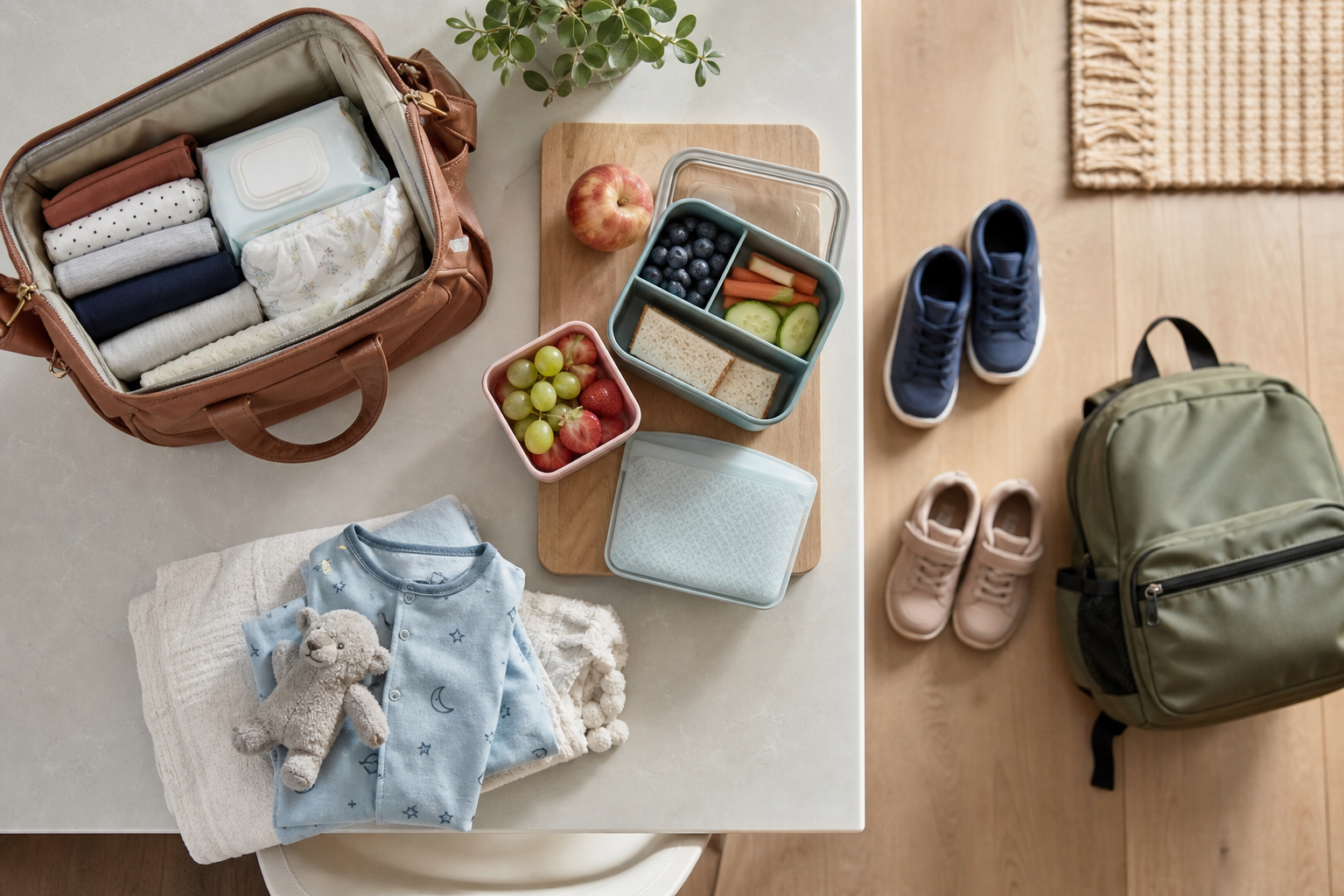
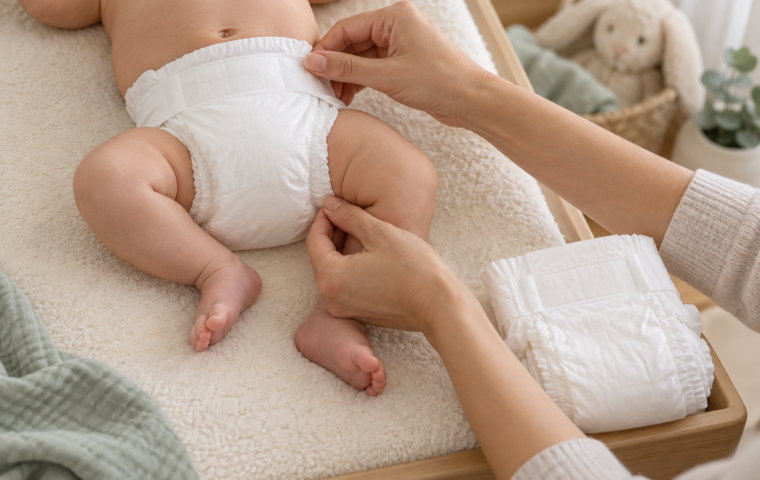
Several sources point to the value of separating supplies by use case. The hospital bag checklist reported packing two bags: a smaller delivery room bag for items needed during labour and delivery, and a larger bag for the parent and baby unit after birth. That separation makes essentials easier to find when events are moving quickly.
The travel article uses a similar principle in a different setting. It recommended keeping snacks, water, wipes, chargers, comfort items, and important documents easy to reach. The kindergarten checklist applies the same idea to school gear, reporting that a backpack should fit the lunch bag, indoor shoes, water bottle, library book, and occasional artwork without becoming too heavy.
Together, these examples suggest a practical rule: organize around the moment of use. Delivery-room documents should not be buried under postpartum clothing. Travel wipes should not sit at the bottom of a suitcase. A kindergarten lunch container should be easy for the child, not just convenient for the parent packing it.
Realistic Schedules Beat Overfull Plans
The solo travel article reported that a simple, flexible itinerary is easier to manage than a packed schedule, especially when one adult is handling bags, snacks, transportation, and tired children. It recommended leaving room for naps, slow mornings, playground stops, and unexpected detours.
The AI-for-moms article approaches the same problem from the mental-load side. It reported using AI as a simple planning assistant for weekly schedules, kids’ activities, meals, brain dumps, homework help, household management, and work or content tasks. Its examples included asking for a realistic weekly schedule, limiting after-school activities to two per week, and turning a messy brain dump into a priority list.
These two sources cover different tools, but they agree on the underlying need: parents need a way to see the whole load before it becomes unmanageable. A written itinerary, a weekly plan, or an AI-generated first draft can all make overload visible. The useful part is not the tool itself; it is the chance to remove, simplify, or move tasks before the family hits the stressful point.
Transitions Need Earlier Routines, Not Just More Stuff
Big family transitions often trigger shopping lists, but the sources repeatedly show that timing and rehearsal matter just as much. The hospital bag article recommended having everything packed by week 37 and making sure a partner knows where the bag is and what last-minute items need to be added, such as chargers, snacks, or drinks.
The kindergarten checklist reported that in Ontario, the school day usually runs around 8:15 am to 3:15 pm, which can be a major shift for children used to daycare naps. It recommended easing the transition by adjusting naps before school when possible and starting the evening routine about one hour earlier during the first weeks of school.
For travel, the same transition principle shows up as route planning. The solo travel article recommended checking transportation details ahead of time, including timing, stroller rules, car seat needs, and backup options. In each case, preparation is not about controlling every outcome. It is about reducing the number of decisions that must be made under pressure.
Key Takeaways
- Family routines are strongest when they protect both logistics and connection.
- Child independence can be built through small rehearsals, such as practicing lunch containers, clothing changes, and simple safety steps.
- Supplies are easier to manage when they are grouped by when and where they will be used.
- Flexible schedules, lighter activity loads, and visible planning systems can reduce the mental load before it spills into family stress.
- Major transitions, including birth, school, and travel, benefit from earlier routines as much as from packed bags or purchased gear.
The most useful family systems are rarely complicated. They are the quiet routines that make the next step easier: the labeled bottle, the practiced lunchbox, the lighter itinerary, the packed bag, and the schedule with enough space for real life.
References
- diapr.ai Blog – 6 Powerful Ways I Build a Strong Parent-Child Bond
- diapr.ai Blog – Solo Travel With Kids: 9 Vital Tips for Brave Parents
- diapr.ai Blog – Getting Ready for Kindergarten: My Practical Parent Checklist
- diapr.ai Blog – Hospital Bag Checklist for Canadian Moms: What I Pack
- diapr.ai Blog – AI for Moms: How I Save Time and Stress Less Daily