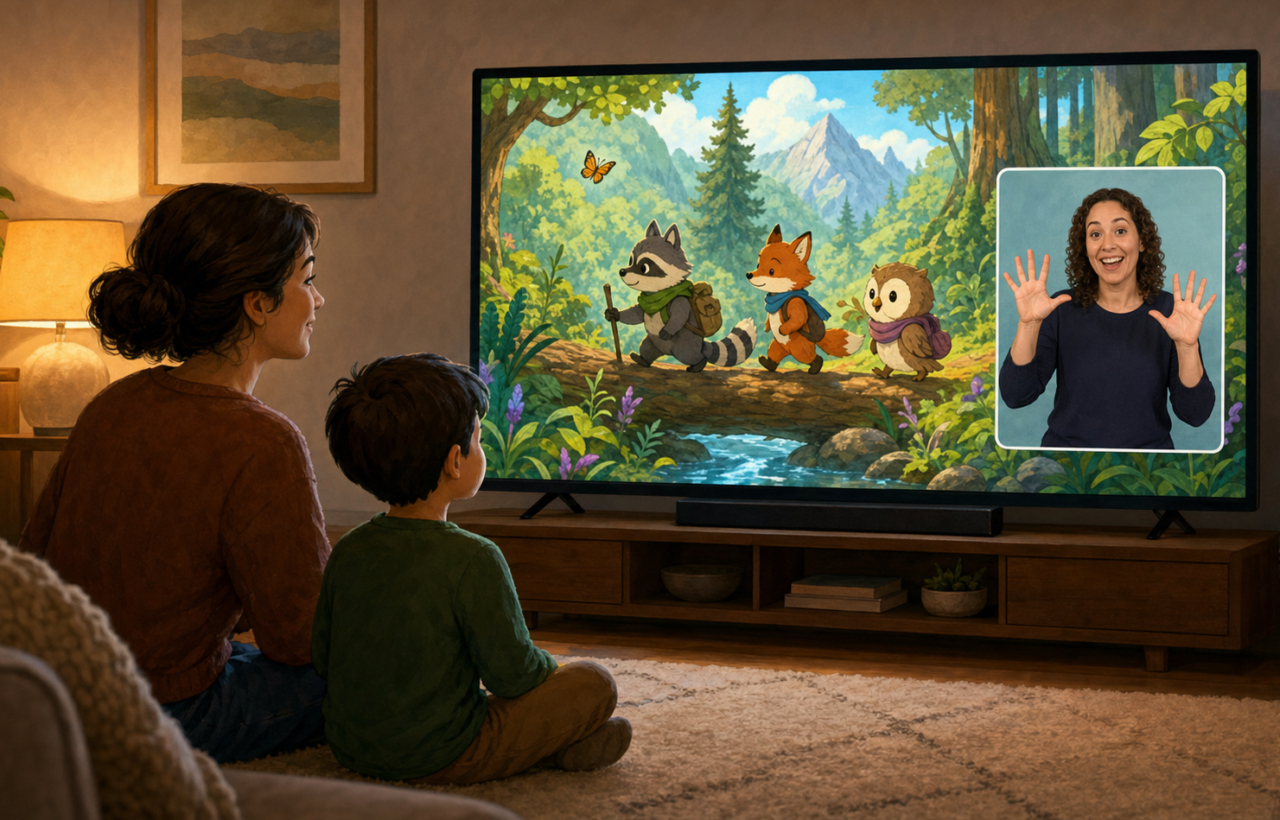
If ASL is part of how your young child accesses language, captions do not make a show accessible in the same way. A toddler cannot read the dialogue, and interpreting beside the television can leave both you and your child working to keep up with a story that everyone else is simply watching.
For supported Netflix titles, SignUp places an ASL performer over the video in a window you can resize and move. The important details are knowing which programs are included, starting playback through the Chrome extension, and setting up the screen so the performer is genuinely visible to your child.
Captions and ASL solve different access problems
Captions turn dialogue and relevant sounds into print. ASL interpretation presents the story in a signed language. Those options may complement one another, but they are not interchangeable for a child who understands ASL and cannot yet read.
The distinction is especially clear for children from birth to age three. They cannot follow a fast sequence of written captions, regardless of whether the words are technically present on the screen. The issue also extends well beyond the toddler years: many deaf children do not read fluently until around age 12. Asking a young child to rely on captions can therefore replace one inaccessible format with another.
ASL is also a particular language, not a generic label for anything signed. If your family uses a different signed language, do not assume that an ASL performance will match your child’s language. Judge the feature by the language your child actually uses, not merely by the presence of a signer.
About 90% of deaf children are born to hearing parents, so many families are learning how to provide access while they are also learning to communicate together. An on-screen performer can carry the program’s dialogue without requiring a parent to stand beside the television and interpret continuously. That lets you sit with your child, notice what catches their attention, and respond as a parent rather than serving as the program’s access system.
Start by checking the exact title you want to play
The Netflix and SignUp collection covers 73 Kids & Family titles, totaling 200 hours across 41 franchises. It is a substantial library, but it is still a selected library rather than an ASL switch that works across the entire Netflix catalogue.
Options include CoComelon, Octonauts, Pokemon Horizons, The Magic School Bus Rides Again, and Miraculous: Ladybug & Cat Noir, The Movie. Supported family films include Pinocchio, Paddington in Peru, The Sea Beast, The Mitchells vs. the Machines, and KPop Demon Hunters.
Search for the exact show or movie inside SignUp before you announce what the family is watching. That small check prevents the frustrating version of movie night in which Netflix has the title but the ASL collection does not. For a child’s first try, choose a familiar supported program. Familiar characters and pacing make it easier to see whether the interpreter window is helping, because your child is not also trying to understand an entirely new story.
The window contains a performance, not a decorative accessibility symbol. Every performer in the project is deaf and a native signer, and performers were matched to some stories through lived experience. Preparation takes three to four hours for each hour that appears on screen. Give that performance enough visual space to function: shrinking the signer to a tiny corner may preserve more of the picture, but it can undermine the access you turned on.
Set up the SignUp overlay before your child sits down
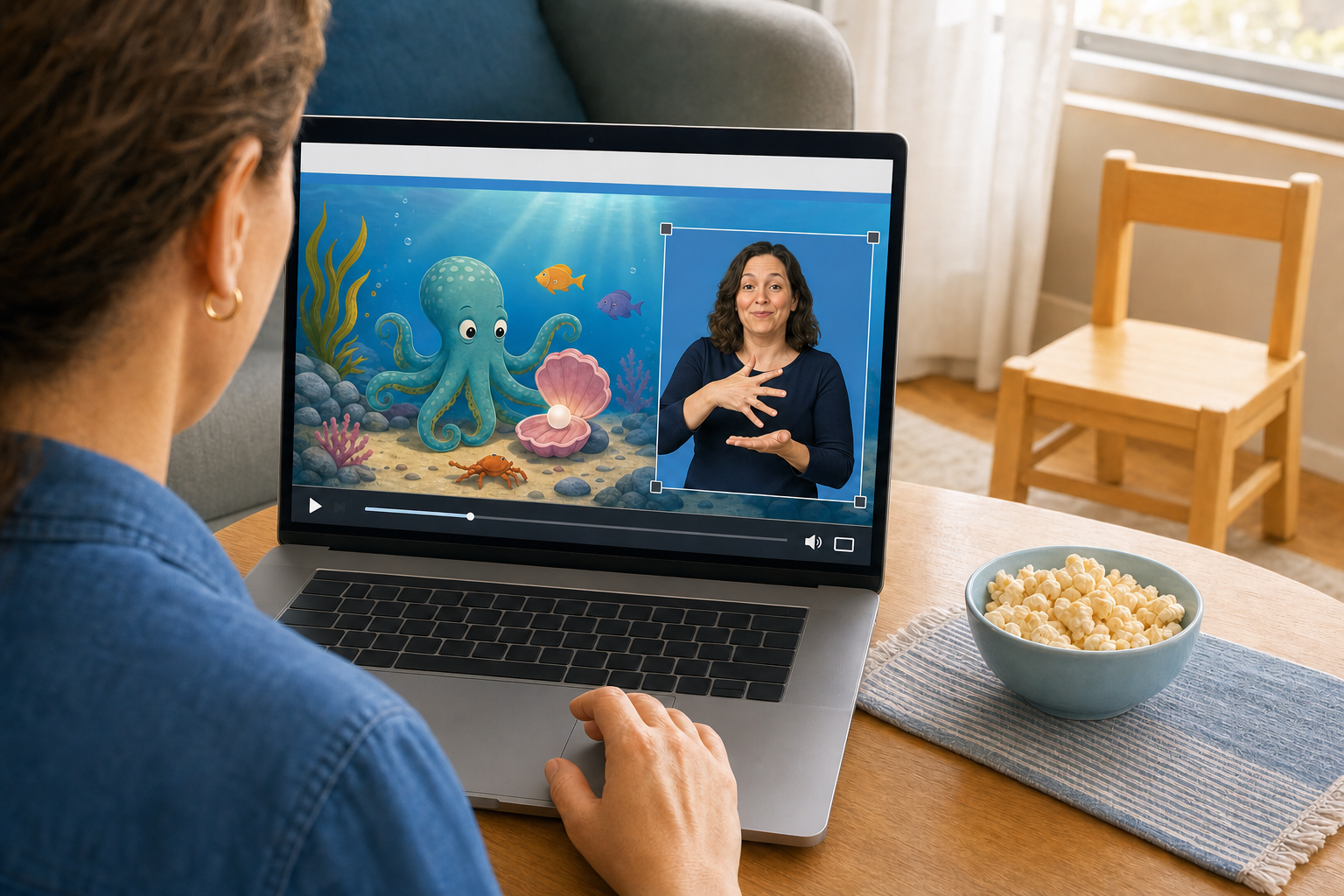
The viewing route begins in Google Chrome. Even if you plan to watch on a larger television, set up and launch the supported title in the browser first.
- Install the free SignUp extension for Google Chrome.
- Open your Netflix account in Chrome and sign in.
- Select the puzzle-shaped extensions icon near the top-right of the browser, then open SignUp.
- Choose Netflix inside the extension.
- Enter the exact movie or show you want and select it from the supported results.
- Start playback, then resize and reposition the interpreter window until both the signer and the important action are visible.
- If you want a larger display, use the screen-mirroring method supported by your devices to send the browser playback to that screen.
The SignUp extension is free; access to Netflix still requires your Netflix account. Opening Netflix independently on a television does not reproduce a Chrome extension running elsewhere, so complete the browser setup before moving the picture to another screen.
Do one short test without an expectant toddler waiting. Confirm that the chosen title launches, the interpreter appears, the box can be moved, and mirroring preserves the complete picture. Start a scene and watch it from your child’s usual seat. A window that looks large enough from beside a laptop may be difficult to follow from across a room.
Make ASL part of the program, not a rescue after confusion
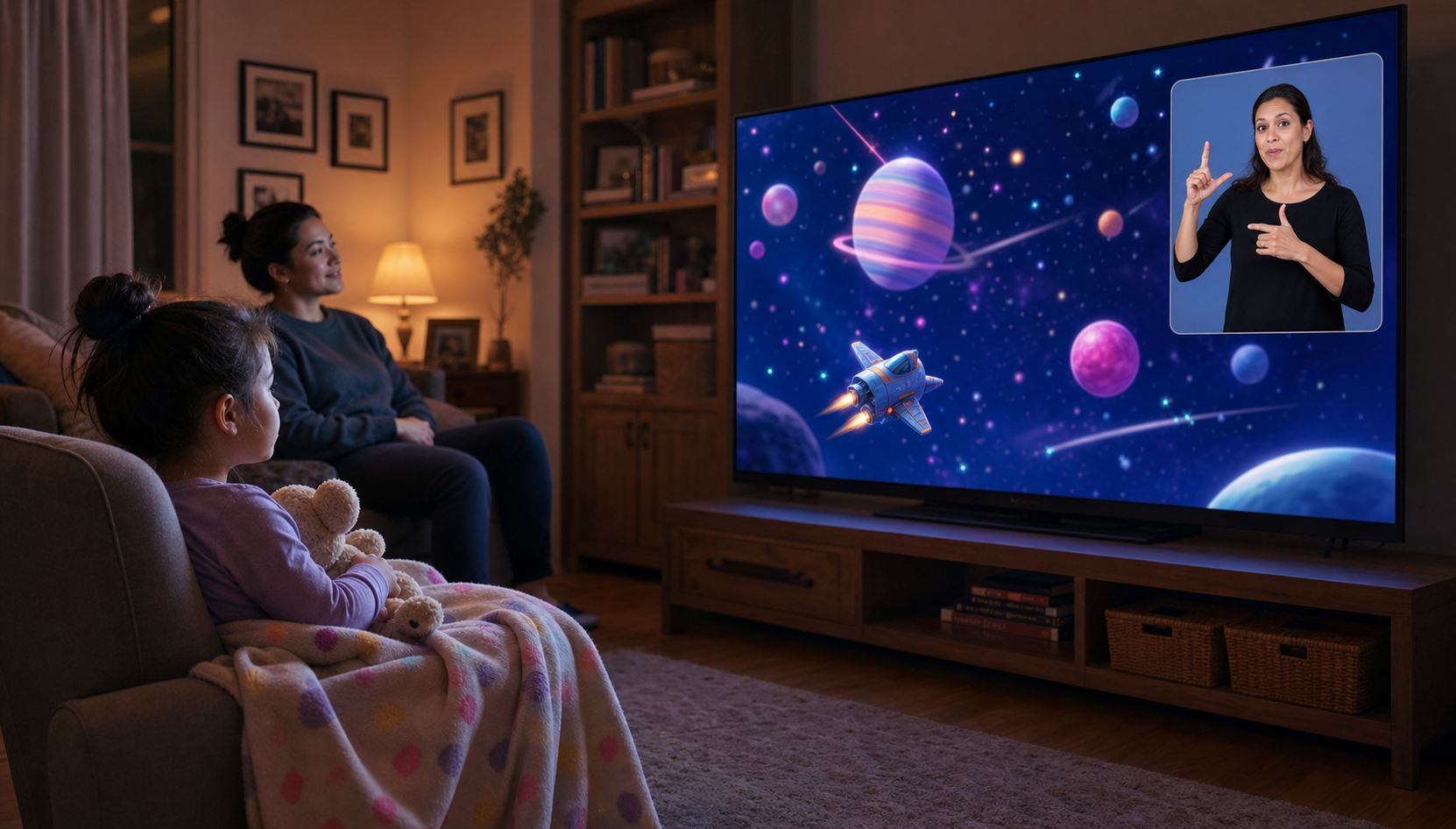
Turn on the ASL performance before the opening scene. If you wait until your child has already lost the plot, the interpreter can provide access going forward but cannot restore the context they missed. Making the overlay the default for supported titles also communicates that access is part of watching, not something your child must struggle first to receive.
- Size it for your child. Make the performer clear enough to follow from the place where your child actually watches.
- Move it when the scene demands it. The extension allows repositioning, so shift the window if it covers a character or important action.
- Test with familiar content first. A known episode helps you separate a setup problem from ordinary loss of interest in a new program.
- Watch for understanding, not stillness. A young child may move around and still follow. More useful clues include reacting at relevant moments, pointing or signing about what happened, and needing less explanation from you.
- Adjust before abandoning the feature. If your child repeatedly looks between you and the screen for clarification, try enlarging or moving the performer before deciding that ASL interpretation is not helping.
- Stay in the shared experience. Let the performer carry the scripted language while you laugh, pause, answer questions, or repeat a favourite moment with your child.
No overlay can guarantee that a particular program suits your child’s attention, interests, or language level. Its job is narrower and more important: to stop the spoken soundtrack from being the only route into the story. Once that barrier is reduced, you can assess the program the way any parent does – by whether it works for your child.
Key takeaways for your next family watch
- Captions require reading; ASL interpretation gives a signing child a language-based route into the program.
- SignUp’s ASL option covers a selected Netflix collection, so search for the exact title before movie night.
- Launch the title through the free Chrome extension, then resize and reposition the performer.
- If you want to use a television, test browser-to-screen mirroring before your child is ready to watch.
- ASL is not universal. Confirm that American Sign Language matches the signed language your family uses.
- Enable access from the opening scene instead of waiting for your child to become confused.
Before the next watch, install the extension and test one familiar title from your child’s usual seat. Once the window is easy to see and the larger screen is working, save the troubleshooting for another time and sit down together. The goal is not a more elaborate movie night. It is a movie night in which your child can follow the story while you get to share it with them.