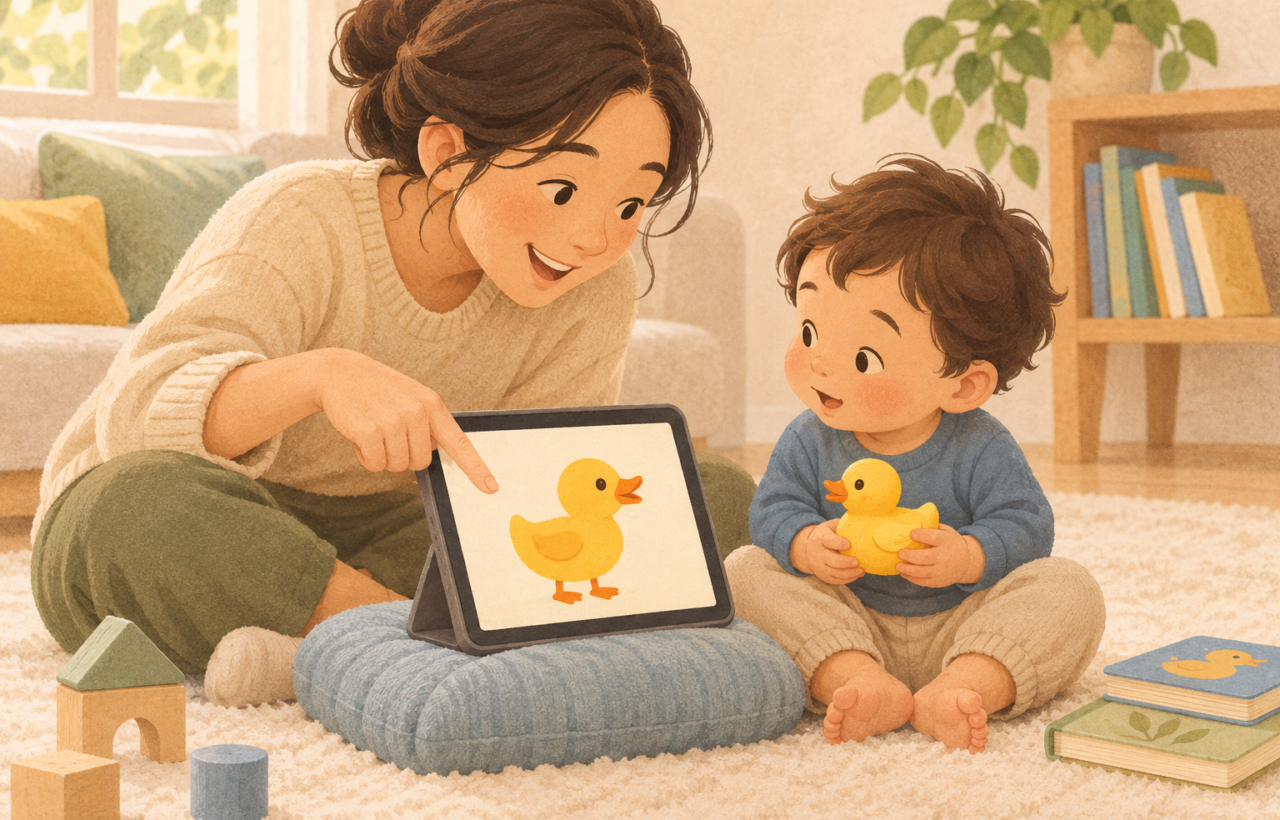
You press play because you need a few minutes, your child asks for a favourite show, or you hope the program will teach something useful. The label “educational” does not settle the question. What matters is what your child notices, practises and carries into the rest of the day.
You do not need to turn every episode into a lesson. A small amount of participation before, during or after the show can make the difference between passive viewing and a useful learning experience.
Judge a show by what your child can do with it

The most useful test happens after the screen turns off. Can your child point to the animal they saw, copy the movement, use a new word, act out the routine or recognize the same idea somewhere else? That transfer matters more than whether the program calls itself educational.
Before adding a show to your regular rotation, watch enough of it to answer a few practical questions:
- Is the learning target clear? You should be able to describe it plainly: naming animals, following a routine, noticing emotions or copying movements.
- Does the program leave room to participate? Look for questions, gestures, songs, repetition or pauses your child can respond to.
- Can you connect it to real life? A concept is more useful when you can find, say, do or act it out away from the screen.
- Can your child follow what is happening? If the scenes, sounds or topics change before your child can respond, the program may be entertaining without being especially usable for learning.
- Is there a natural place to stop? A clear ending makes it easier to move from watching into play, food, bath time or another part of the day.
A show does not have to pass every test perfectly. It should, however, give you something more concrete than a vague promise that watching it is “good for development.”
Choose for your child’s current abilities, not the age badge
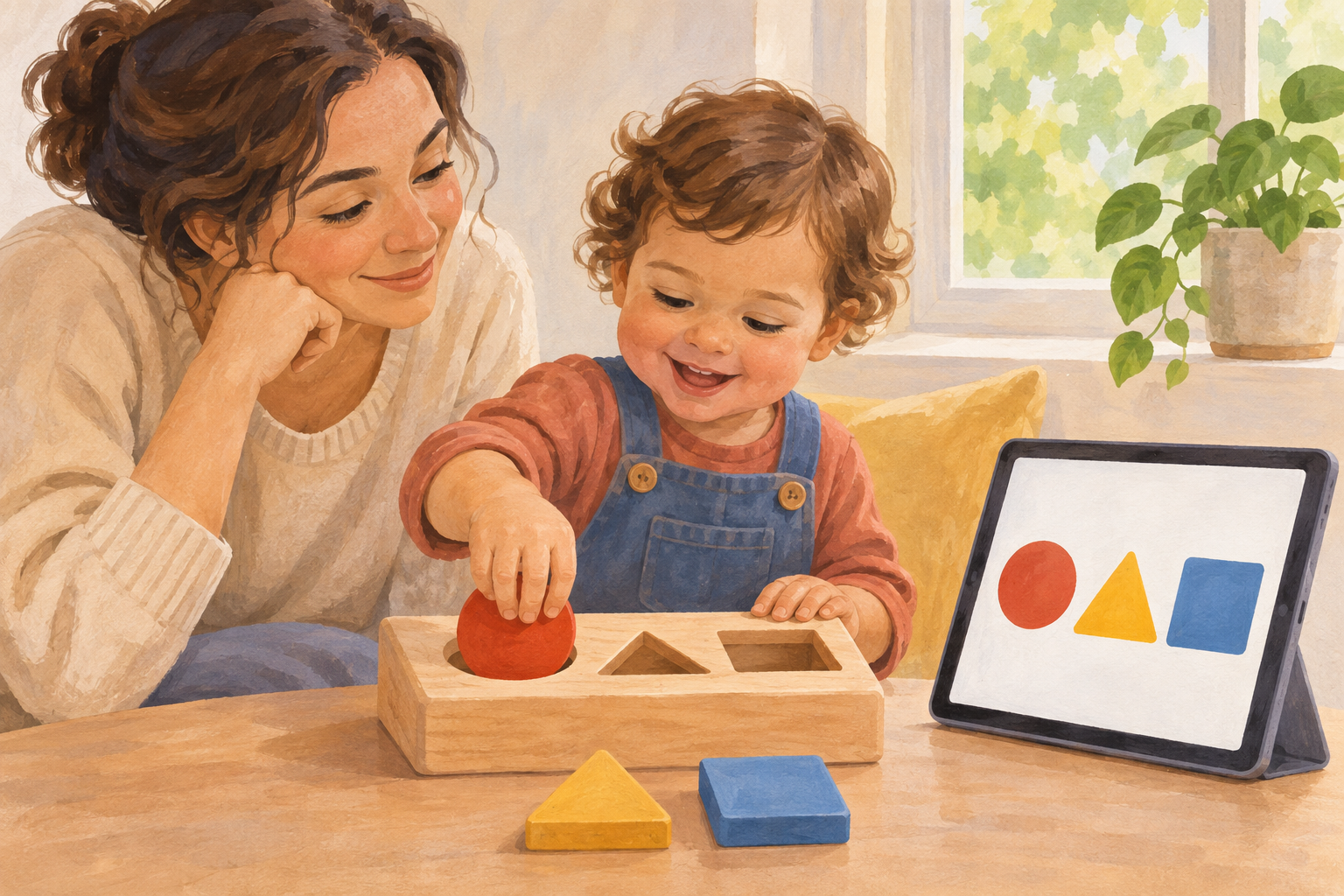
Children within the same age range can use the same program very differently. Start with what your child already does during everyday play and conversation, then choose content that gives that ability a manageable next step.
- If your child mainly watches faces, voices and movement: choose simple scenes with familiar objects, repeated sounds and gestures you can copy together. Your voice and facial expressions provide the bridge between the screen and the room.
- If your child points, imitates or follows simple directions: look for programs that invite an action such as waving, clapping, finding an object or making an animal sound. Give your child time to respond instead of answering immediately for them.
- If your child uses words or pretend play: try stories built around recognizable routines, simple problems, feelings or social exchanges. Afterwards, invite your child to replay the situation with toys or household objects.
Do not treat a program marked for an older child as a goal to work toward. If you have to explain every scene, the content is not doing much educational work for your child yet. If the program is so familiar that your child responds automatically, you can add a fresh challenge by asking them to find the same idea in the room.
If CoComelon has become the automatic choice, you do not have to replace it with a supposedly perfect alternative. There are other children’s shows centred on learning and growth, but a new title is only useful when it suits your child’s abilities and gives you an idea to continue off-screen. Try alternatives as small experiments, then watch what your child actually does with them.
Use a watch-pause-play loop
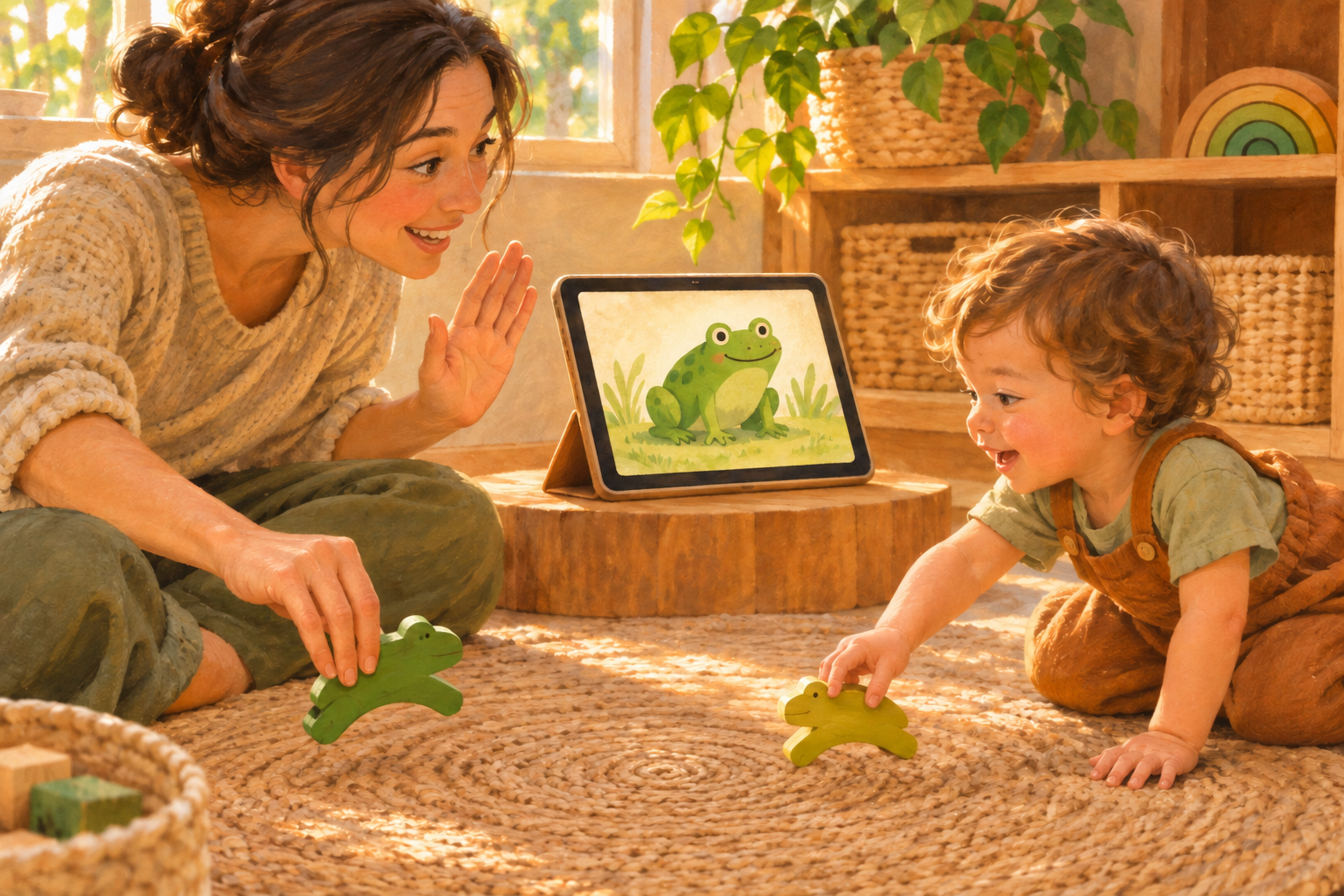
Co-viewing does not require constant narration or a quiz after every scene. Too many questions can make a pleasant activity feel like a test. Instead, give the viewing a small purpose and follow your child’s response.
- Set a tiny mission before pressing play. Say, “Let’s listen for the animal sounds,” or, “Show me when they wash their hands.” Your child now has something specific to notice.
- Pause at a natural moment. Invite an action rather than demanding a verbal answer. Your child might point, copy a face, move their body or choose between objects. A non-speaking response still counts as participation.
- Turn the idea into something physical. When the episode ends, find an object, copy a movement, act out the routine or use a toy to replay the scene.
- Bring it back later. At the relevant moment in the day, connect the show to what is happening: “This is the hand-washing step we saw,” or, “Can your toy solve that problem too?”
The off-screen activity can be very small. After a colour segment, find something nearby that matches. After an animal song, move like one of the animals. After a story about getting dressed, let a toy practise putting on a hat. After a character shows frustration, make the face together and name what happened.
You also do not have to sit beside your child for every minute of every program. When you need the viewing time for another task, preview the episode when practical, listen from nearby and reconnect at the end. Ask your child to show you something from the program rather than asking the broad question, “What did you learn?” A demonstration is often easier than a summary.
Fix the part that is not working
A program can be appropriate and still produce an unhelpful routine. Identify the exact friction before deciding that all screen time, or the show itself, is the problem.
- Your child ignores the questions on screen: the prompt may be too difficult, too quick or simply uninteresting. Pause and model the response without pressure. If participation still does not happen, choose content with an easier action.
- Your child remembers songs but not the idea: use the familiar song as a bridge. Sing the relevant part while handling the real object or doing the real routine. Recognition is the starting point, not proof that the lesson transferred.
- Your child wants the same episode repeatedly: repetition is not automatically a problem, but it is not automatically educational either. Add a new off-screen action, notice a different detail or use the familiar theme to introduce a related book, toy or game.
- Stopping causes conflict: choose a natural endpoint, tell your child what will happen next before viewing begins and disable autoplay where the service allows it. Start the next activity promptly so the transition leads somewhere concrete.
- The program is surrounded by distracting promotions: choose a cleaner viewing environment when possible. Ads, previews and merchandise prompts compete with the purpose you selected the show for.
- You cannot co-view regularly: favour shows with clear language, visible actions and predictable prompts. Preview new content when you can, then use a short after-screen connection instead of abandoning the educational goal entirely.
Screen-based learning should not replace responsive conversation, physical play, sleep, meals or opportunities to explore real objects. A program is also not treatment for a speech, language, behavioural or developmental concern. If screen use regularly interferes with daily routines or your child’s distress is persistent, discuss the pattern with your child’s health-care professional rather than relying on a different show to solve it.
Key takeaways
- The word “educational” is less useful than a clear answer to: “What can my child do with this idea?”
- Choose content by your child’s current ways of communicating, imitating and playing, not by the age label alone.
- Give the viewing a small purpose before it starts, invite participation at a natural moment and continue the idea off-screen.
- Pointing, moving, choosing and pretending are valid responses; learning does not have to look like a verbal quiz.
- When a routine is not working, adjust the specific friction: difficulty, pacing, transitions, autoplay, promotional clutter or lack of an off-screen connection.
For the next viewing, choose a single idea you can carry into the room when the screen turns off. If your child can point to it, copy it, use it or play with it later, the program has given you something worth building on.
References