
Ani is being discussed as a child safety concern because, according to Kars4Kids Parenting, the anime-style AI companion on xAI’s Grok platform can behave in ways that are not child-appropriate. The concern is not simply that a chatbot exists; it is that the character is described as flirtatious, visually sexualized, and capable of adult conversation.
For parents, the useful question is practical: what does this kind of AI companion change about screen safety at home? The answer starts with understanding why an app or mode that looks playful can still deserve adult scrutiny.
Why Ani Raises a Different Kind of Screen-Time Concern
Kars4Kids Parenting reports that Ani appears inside Elon Musk’s xAI-powered Grok platform and is presented as an AI companion. That framing matters. A companion bot is not just a search box or a homework tool. It is built around back-and-forth interaction, personality, and emotional engagement.

When a digital character is designed to feel responsive, children may treat the interaction as more personal than an ordinary website or video. That does not make every AI companion harmful, but it does mean parents should evaluate tone, boundaries, and content, not only the app’s label or cartoon-like appearance.
The Reported Problem With Kids Mode
The most serious claim in the Kars4Kids Parenting summary is that Ani can flirt, appear in lingerie, and engage in adult conversations even when accessed through so-called Kids Mode. Because that is a reported claim from the source, parents should treat it as a warning sign rather than as a complete technical audit of the platform.
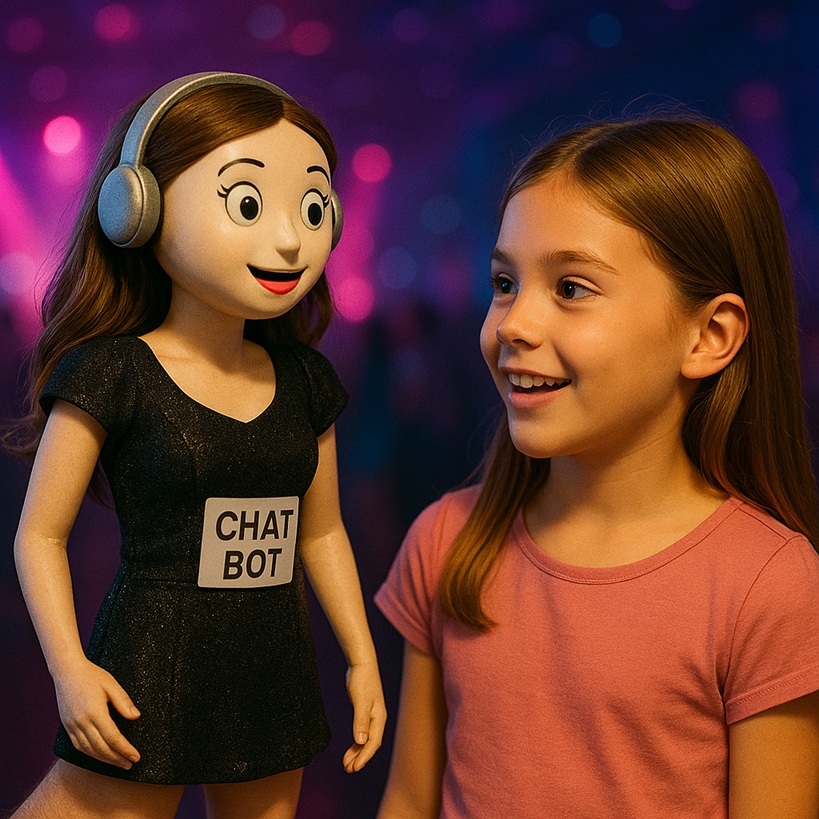
Still, the broader lesson is clear: a child setting is only as protective as its actual behavior. A toggle, age gate, or family label can reduce risk, but it should not replace direct parent review. If a product allows open-ended AI conversation, the possible responses may be harder to predict than in a fixed library of videos, games, or articles.
Key Takeaways for Parents
- According to Kars4Kids Parenting, Ani is an AI companion connected to xAI’s Grok platform.
- The source reports concerns about flirtatious behavior, lingerie-style presentation, and adult conversation.
- The reported concern includes access in Kids Mode, which makes parent review especially important.
- Parents should judge AI tools by what children can actually see and do, not by branding alone.
How to Evaluate an AI Companion Before a Child Uses It
A practical review does not need to be complicated. Parents can start by opening the app themselves, checking the character presentation, reading the available settings, and testing the conversation in ordinary language. The goal is not to outsmart the system, but to see whether the experience matches the child’s age and maturity.

It also helps to look beyond explicit content. An AI companion may encourage long sessions, private-seeming conversations, or emotional attachment. Those features can be engaging for adults, but children may need clearer boundaries around when they can use the tool, what they should not share, and when to bring a conversation to a parent.
What Parents Can Do Without Overreacting
The best response is neither panic nor blind trust. If a child has access to Grok or another AI companion, parents can review the account settings, remove access if the tool is not age-appropriate, and talk plainly about why some bots are designed for adults. A calm explanation is more useful than making the technology feel mysterious or forbidden without context.

This is also a good moment to update household rules for AI generally. Children should know that chatbots are software, not friends; that they should not share personal details; and that uncomfortable, sexual, or confusing exchanges should be shown to an adult. As AI tools become more common, those rules belong alongside familiar conversations about social media, games, and messaging apps.
The reporting from Kars4Kids Parenting is limited, but the safety principle is useful: any AI product marketed or configured for children should be judged by the experience it actually gives them. Parents do not need to know every technical detail to set a clear boundary when a tool’s behavior does not fit family standards.
Inspired by this post on Kars4Kids Parenting.